Know which rule applies, to whom and why
CLA software that turns collective agreements, labour rules and your own company rules into rules that Nexora applies in HR, planning and payroll, down to the allowances in the payroll run. With the source included, the correct version and a human who checks before anything is activated.
From 'where was that again?' to demonstrably knowing which rule applies, who is affected and where oversight is needed.

“The new pay table affects fourteen employees. Twelve can be automatically mapped; two have an exceptional position requiring human validation.”
Never search again in a two-hundred-page PDF.
Salary, allowances, leave, working hours, and exceptions from your collective labour agreement appear as clear rules in Nexora. You no longer need to puzzle out what applies to whom; Nexora applies it where needed.
A collective labour agreement change will never affect the wrong people.
If a new pay scale is introduced or an allowance changes, you will immediately see which employees, contracts, schedules, and salary components are affected. No manual check per employee and no errors that only surface during the payroll run.
Always demonstrable why.
Every rule can be traced back to the document, version, and page it comes from, along with who approved it. If an accountant, trade union, or employee asks why something is calculated a certain way, you have the answer immediately.
Nora signals, you decide.
Nora, the AI assistant in Nexora, reads collective labour agreements and regulations, and translates them into applicable rules. If something changes, she identifies which employees are affected. Where it is clear, she prepares the change. Where an employee has an exceptional position, she sets that aside for review.
You or your HR or payroll specialist make the final decision. Interpreting a rule requires knowledge and nuance, so no rule or exception is applied without a human reviewing it.
More about Nora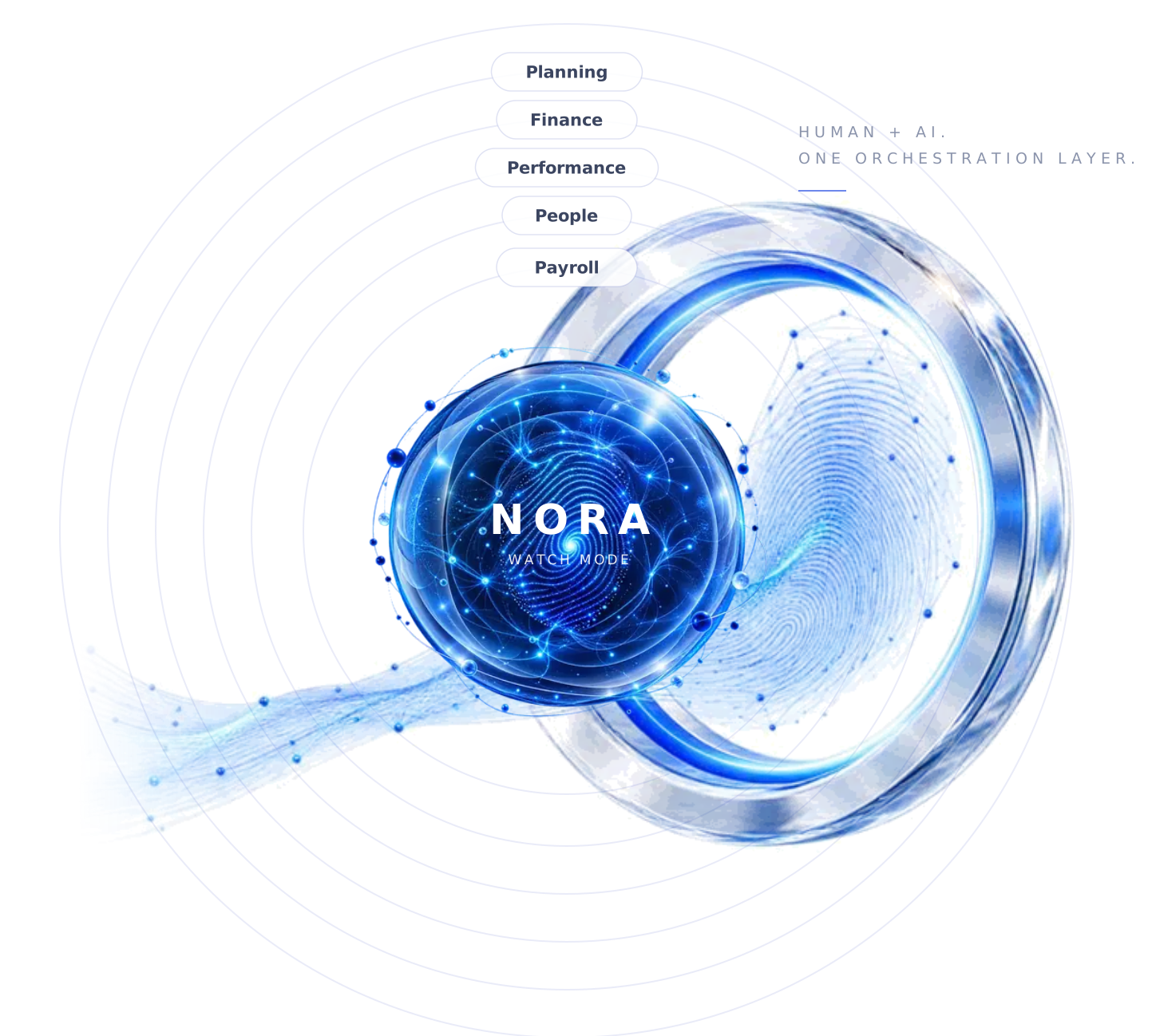
Nexora's CAO & Compliance module
Decoded collective labour agreement
Working conditions, salary, allowances, leave, working hours, and exceptions from your collective labour agreement are recorded as structured rules. Readable for you and applicable throughout the rest of Nexora.
Source & audit trail
Every rule is traceable to the document, version, page, and validation status. You can always see where a rule originates and who approved it.
Employee impact
See immediately which employees, contracts, schedules, and payroll components are affected by a change. This way, you know what needs to be done before errors occur.

Company-specific rules
In addition to collective agreements and legislation, you also define your internal agreements, such as your contract policy. If a contract or schedule deviates from this, you receive a signal.
Human validation
AI automatically recognizes and prepares steps, but does not make decisions. Activating rules and exceptions always remains with the professional.
Want to know what else Nexora can do?








New payroll table, fourteen employees, zero errors
A hospitality company is dealing with a new payroll table in the collective agreement. Normally, this means: finding the new table, checking for each employee which scale and step they are in, and hoping you don't forget anyone. You only notice a forgotten employee when they are paid too little.
In Nexora, Nora immediately sees that the new table affects fourteen employees. Twelve can be automatically transferred to the correct scale. Two have an exceptional position - she sets them apart, with the source included. Your payroll specialist evaluates those two, approves them, and the next payroll run is correct for everyone.
Frequently asked questions
Why not just maintain the collective agreement yourself?
What happens if my collective agreement changes?
Can I also define my own company rules?
How do I show that we are applying the rules correctly?
Does Nexora calculate CLA allowances automatically?
Yes. The allowance rules from your collective labour agreement, for example for evening, night and weekend hours or overtime, are stored in Nexora as rules, with the source attached. Once a rule has been approved, the payroll run applies the allowances based on the hours worked from the planning. If an allowance changes, you see in advance which employees it affects and what it costs. Read also: Calculating CLA allowances automatically: how it works.
CLA rules that automatically apply across your entire organisation.
In a demo, you'll see how CLA & Compliance integrates with planning, HR, and payroll. Define once, apply correctly everywhere.