A schedule that works, for your people and your numbers
Online staff scheduling and rotas in one planning board: availability, shifts, requests, hours and working-time rules, integrated with HR, payroll and your financial figures. A schedule change is no longer an isolated island but flows directly to where it matters.
Spot staffing gaps, overtime, and compliance risks before they impact your operations or payroll.

“Next week, a shortage of 0.8 FTE will arise across two shifts. There are four available employees, but one combination results in a break-time deviation. I display only the valid options.”
You can spot gaps in your staffing in advance.
Nexora looks beyond this week. You can see where shifts are open next week, where peaks are coming, and how many FTEs you need. This way, you plan in time, rather than making last-minute phone calls.
No schedules that violate regulations.
Break times, maximum working hours, and contract hours are recorded in the system. If you schedule someone who hasn't had enough rest or exceeds their contract, the system flags it immediately, not after it has happened.
Worked hours go smoothly in one go.
What was planned, what was worked, and what deviates is checked against the payroll run. No hours are faked in a separate scheduling app, and no discrepancies are discovered only after the payroll run.
Nora signals, you decide.
Nora, the AI assistant in Nexora, continuously monitors your schedule. She identifies when a shortage occurs in a service, when overtime accumulates, or when planned and actual hours do not match. She finds available employees, filters out combinations that violate labour laws, and presents only the valid options for you. You or your planner make the decision. A schedule is about people, so Nora makes a proposal and a human decides what is ultimately scheduled.
More about Nora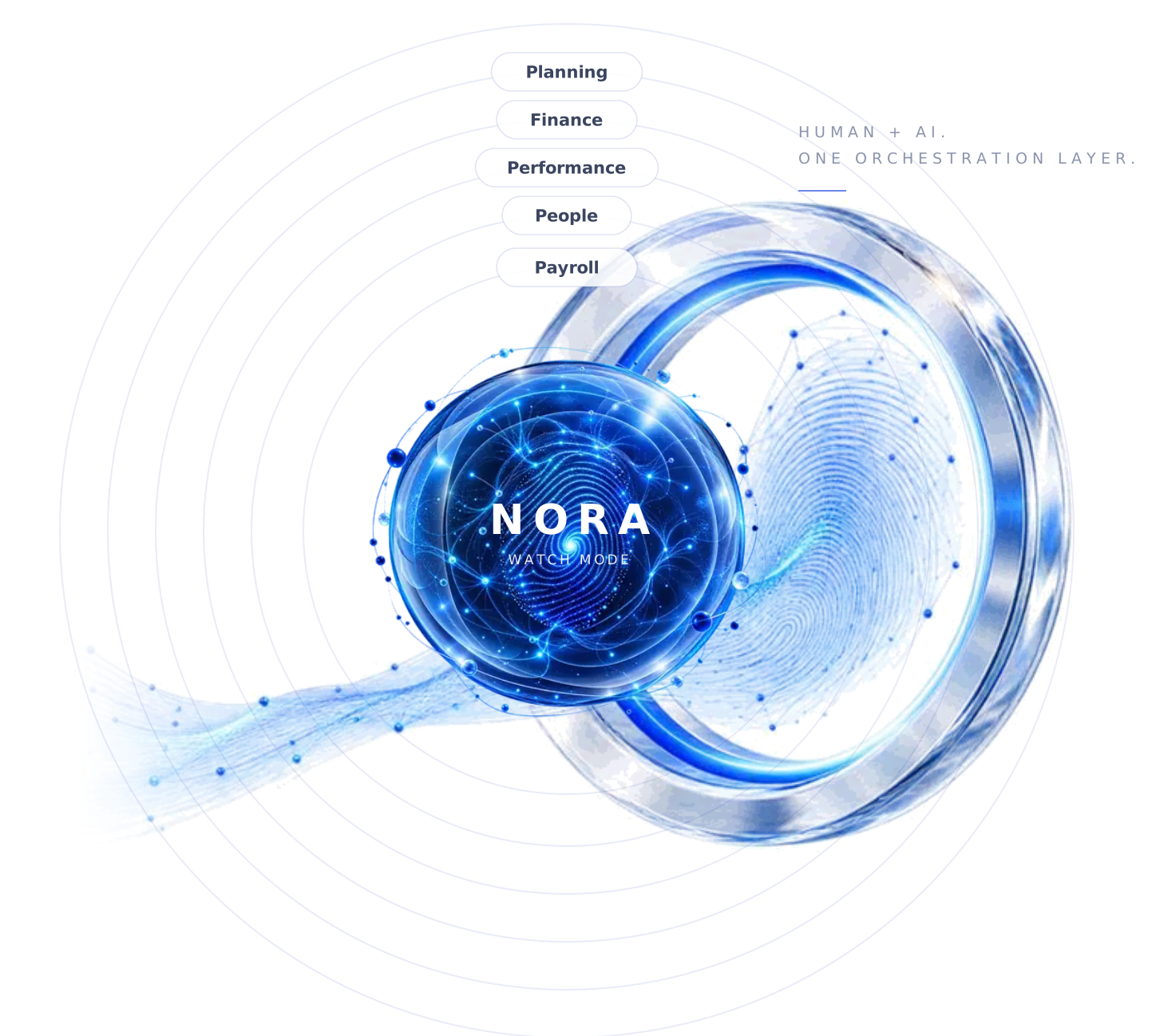
Nexora's scheduling module
Scheduling & staffing
Day, week, and month on a single dashboard, with location, skill, contract, and availability per employee. You can see at a glance who is where and where additional staff is needed.
Requests & availability
Leave and availability are automatically integrated into your schedule. Once you approve leave, you immediately see its impact on staffing, and every change is tracked.
Labour regulations
Break times, working hours, and contract durations are taken into account during scheduling. If a deviation is imminent, you receive a warning before the schedule is finalized.
Hours to Payroll
Registered hours and deviations are automatically checked and transferred to payroll processing. You can see discrepancies between planning and registration in advance, ensuring the payroll run is accurate.
Capacity Forecast
Look ahead at FTE demand, peaks, open shifts, and associated costs. This allows you to plan not just for the current week, but also know when to recruit.
Want to know what else Nexora can do?









A gap in your schedule, resolved before it happens
It's Thursday. Next week, two shifts will open up due to leave and a sick leave. In a standalone scheduling app, you'd only notice this once the schedule is shared, leading to calls and reshuffling, with the risk of assigning someone who hasn't had enough rest.
In Nexora, Nora identifies the shortage earlier: 0.8 FTE across two shifts. While four employees are available, one combination results in a break time violation. Nora excludes that option and displays only compliant choices. You make the selection, the schedule is set, and the hours will seamlessly flow into the payroll run.
The schedule always at hand, for your team and scheduler
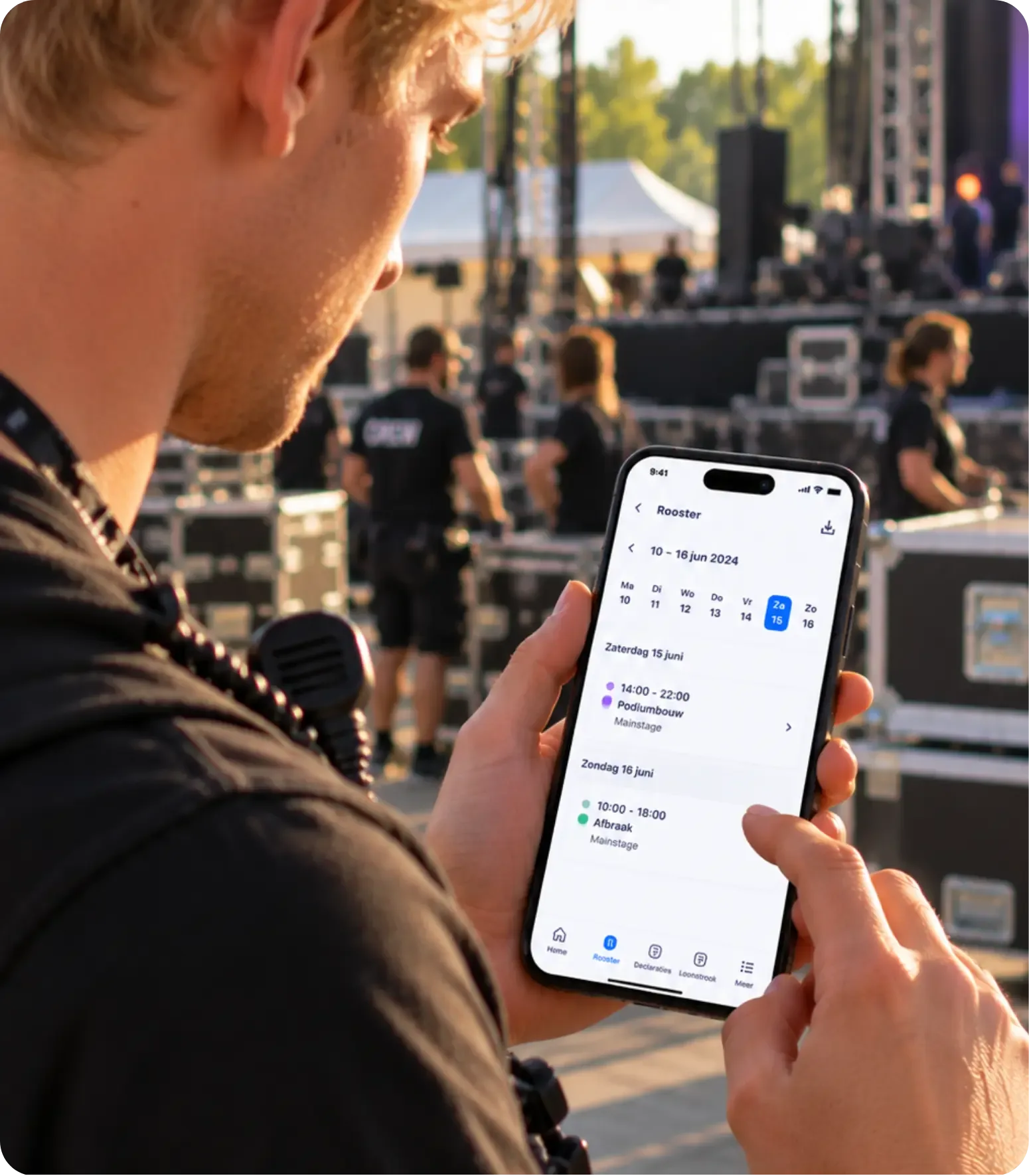
With the Nexora app, your employees can view their schedules anytime and anywhere. They see when they need to work, at which location, and with whom. If anything changes, they receive an immediate notification. No more printed schedules on the bulletin board or app groups where the latest version gets lost among messages. Employees can also manage their availability and leave directly in the app. What they submit is immediately reflected in the planning. This ensures you plan with accurate information and don't have to call everyone to update them. For the planner, it works the same way. If someone drops out while you're off-site, you'll see the resulting gap and available staff in the app. You can adjust the schedule from your phone, the affected employees receive a notification, and the hours will seamlessly flow into the payroll run.
Frequently Asked Questions
Why not just use a standalone scheduling app?
Does Nexora comply with labour regulations?
How do recorded hours appear in payroll records?
Do I also see what my schedule costs?
Does leave flow through to the schedule and the payroll?
Yes. An approved leave request appears in the schedule straight away, and the balance is updated automatically. Hours worked and deviations go through to the payroll run in a controlled way, so you don't retype anything. You see differences between planning and recorded hours before the payroll run.
Plan your personnel with full visibility of the costs.
See in a demo how you can combine availability, leave, and staffing in one overview, without Excel and separate apps.